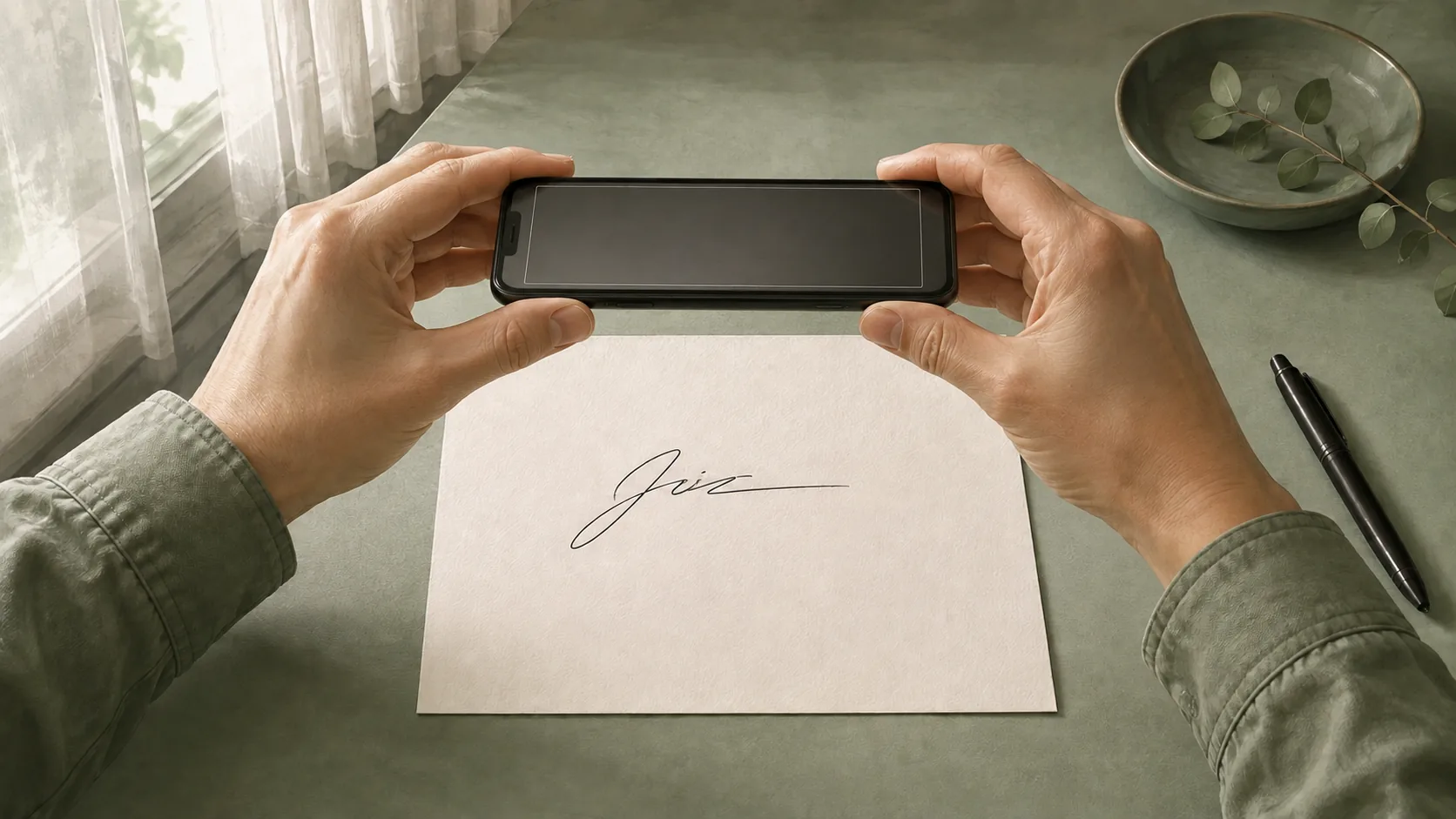
How to Remove the Background from a Signature Photo
Photograph a signature with even light, crop safely, remove the paper background, and check the transparent PNG for faint or missing pen strokes.
To remove the background from a signature photo, begin with a sharp, evenly lit image of the handwriting. Upload it to the background remover, download a transparent PNG, and compare the ink against the original. A better photo gives the tool clearer information; processing cannot reliably recover strokes that the camera never captured.
This guide focuses on taking and preparing the photo on a phone. Its illustrations explain photographing and framing the handwriting; they are not phone-camera tests or AI processing comparisons.
Photograph the signature with even light
Write your signature on plain paper with a pen that produces visible, continuous strokes. Place the paper flat. Hold the camera roughly parallel to it so one side of the signature does not appear much larger than the other.
Use soft, even light and move your phone or the paper if the phone casts a shadow over the ink. Avoid glare that makes part of a stroke disappear into the paper. Before taking the photo, focus on the handwriting and steady the phone. Check the saved picture rather than relying only on the camera preview.
The useful question is whether you can follow every line in the original. If a flourish is outside the frame, or two nearby strokes merge into a blur, retake the photo now. Removing the paper later will not resolve those missing details.
Crop without cutting off handwriting
Open the picture in your phone's photo editor and crop away unrelated text, paper edges, and most of the surrounding desk. Leave a small margin beyond the first and last strokes. Check dots and long tails before accepting the crop.
Avoid aggressive filters that turn pale ink into white pixels. Keep the original photo so you can compare it with any edited copy. If your phone saves in a format the uploader does not accept, export a JPG, PNG, or WebP copy through an image application. Changing the filename extension alone does not convert the file.
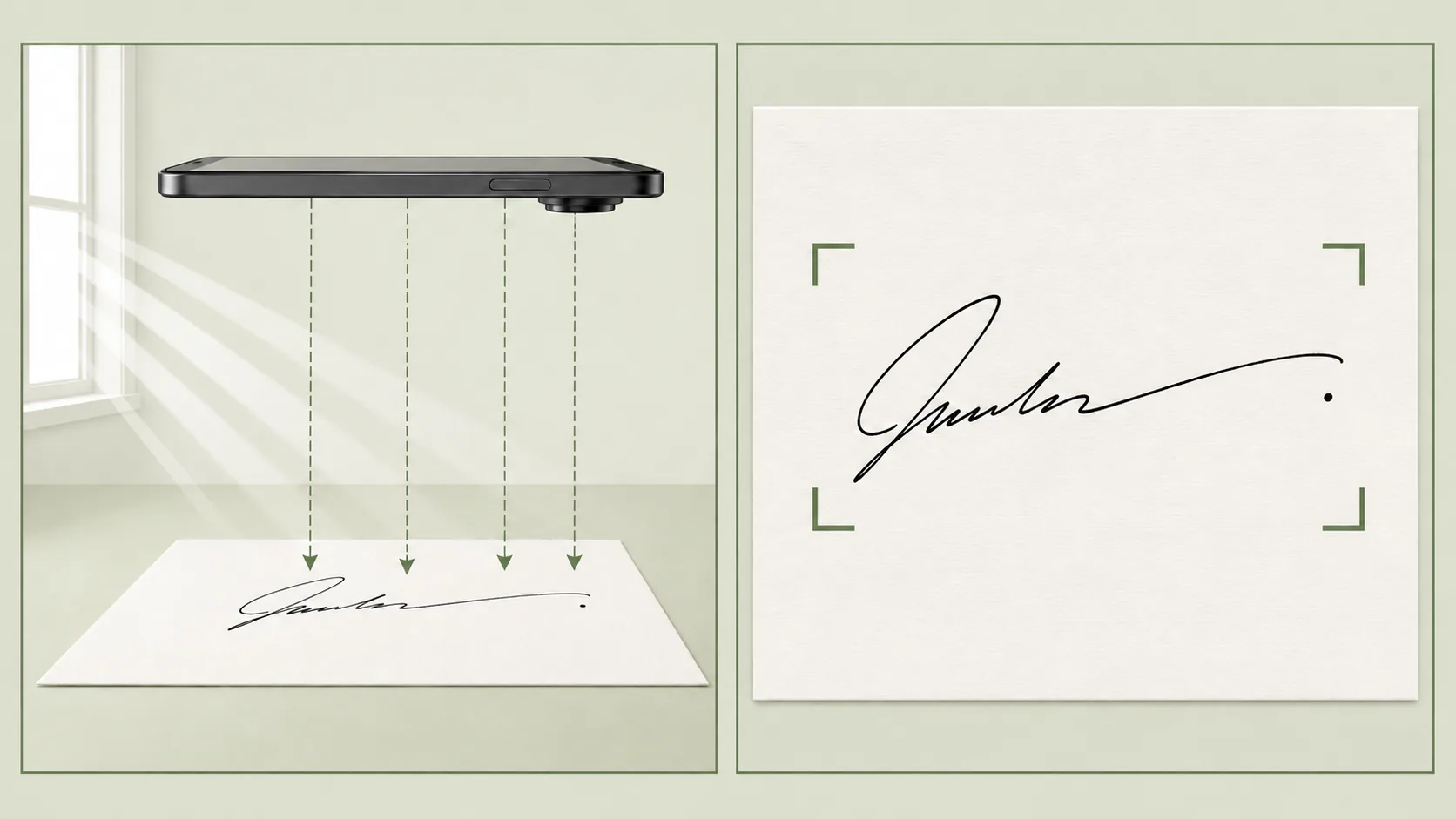
The illustration shows the camera angle and safe framing. Keep all of your own handwriting within the crop; the exact margin depends on its shape.
Remove the background from the signature photo
- Open the signature background remover in your browser and sign in.
- Choose Upload Your Photo, then select the prepared image. The initial preview is a built-in example; wait for your own image to finish processing.
- Compare the before and after images. Inspect the start and end of the signature, small dots, and light pen strokes.
- Select Download Result to save the transparent PNG. Locate that downloaded file before inserting it into another app.
New accounts receive 5 one-time sign-up credits, valid for 30 days, and a successful removal uses one credit. The free allowance does not renew monthly. Check the displayed balance and pricing before further processing.
Check the PNG before using it
Put the PNG over a lightly colored area in an image editor or a temporary document. The area around the signature should reveal that color. A solid white rectangle means the inserted file still has opaque pixels around the ink. Verify that you selected the result rather than the original photo.
Then compare the handwriting itself. Losing a tiny dot or the end of a light stroke can change the appearance of a signature even when the remaining edge looks clean. Check at normal document size as well as a closer zoom. The transparent signature guide covers file checks and white-box troubleshooting in more detail.
Decide when to retake the photo
| Source problem | Better next step |
|---|---|
| A dark shadow crosses the ink | Change the light or camera position and photograph again. |
| A stroke is blurred | Refocus and steady the camera. |
| Part of the signature is outside the frame | Retake with a wider margin. |
| Ink is almost the same brightness as the paper | Use a clearer original if one is available. |
| The paper has texture or scan noise | Compare the scanned signature advice. |
Repeatedly uploading the same damaged source may consume time without solving the underlying problem. Keep the clearest original and judge each result by whether the handwriting remains complete.
Frequently asked questions
Can I take the photo on my phone?
Yes. Prepare a supported JPG, PNG, or WebP image and select it through the browser's file picker. The exact picker and download location depend on your phone and browser.
Does the background have to be perfectly white?
Even lighting and clear separation from the ink matter more than a perfectly white appearance. Heavy texture or shadows can still make removal difficult.
Can AI restore a cut-off stroke?
Background removal cannot reliably recover handwriting outside the frame or detail missing from a blurred photo. Retake the image with the full signature visible.
Why did a white background return after sharing?
Check whether the other app converted the PNG to JPG or whether you shared a screenshot. Transfer the downloaded PNG as a file and inspect the received copy.
Keep the clearest source and the PNG
Remove the background from your signature photo only after checking its framing and focus. Upload the prepared image, compare the ink, and keep the transparent PNG for your documents.
Author

Categories
More Posts
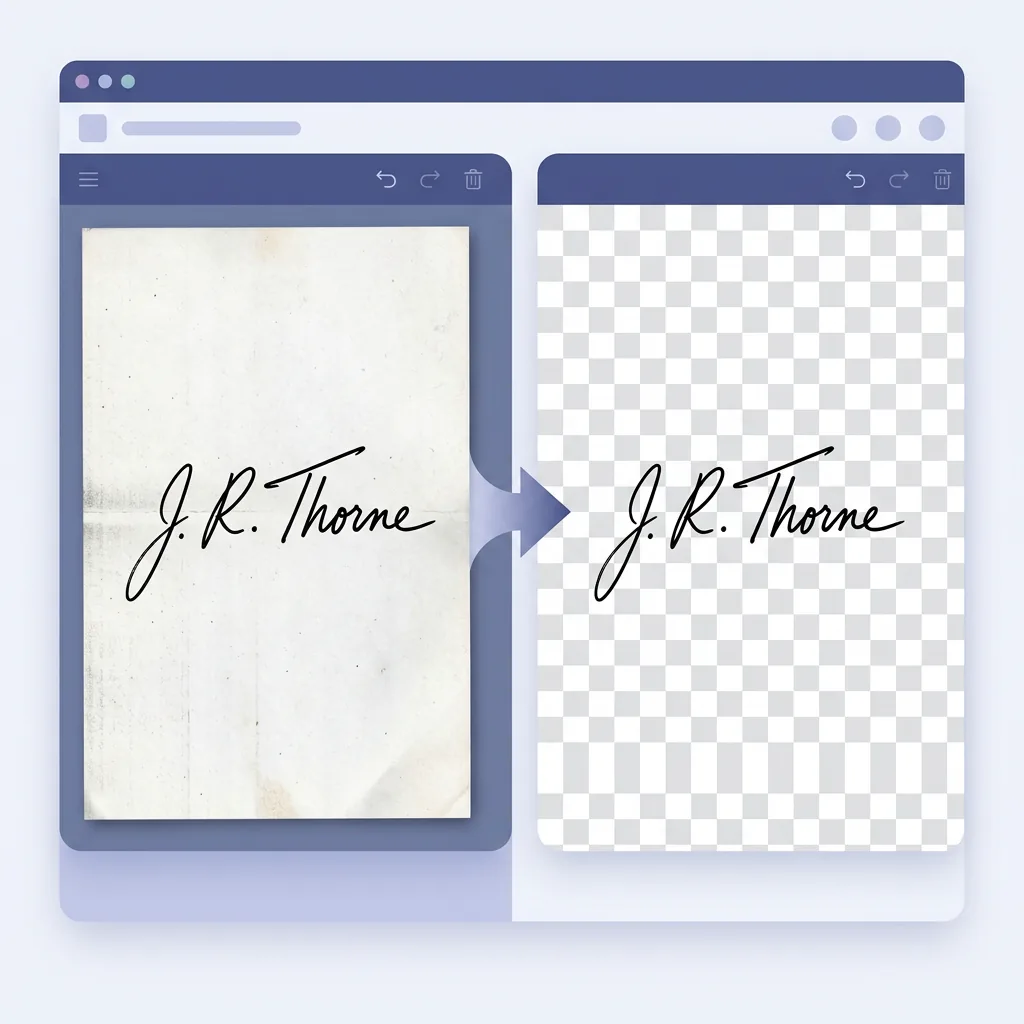
How to Remove the Background From a Scanned Signature
Clean a scanned signature background, inspect faint strokes and paper residue, and decide when a better scan is needed before exporting PNG.
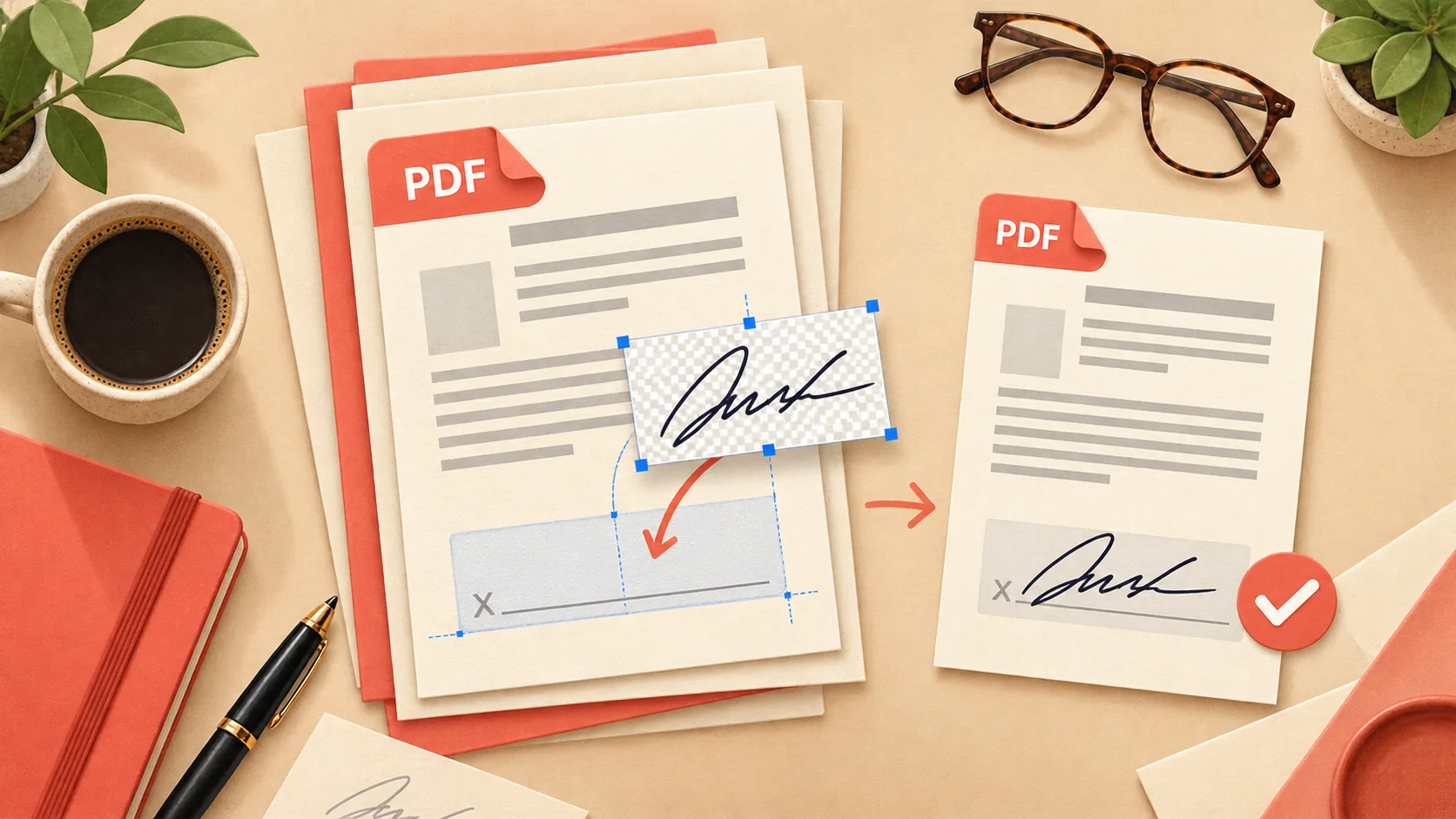
How to Add a Transparent Signature to a PDF
Add a transparent signature PNG to a PDF with Adobe Acrobat Reader desktop, position it, save a copy, and check for white boxes or missing strokes.

Remove White Background from a Signature in Word
Prepare a transparent signature PNG, insert it into Word, adjust its size and text wrapping, and troubleshoot white boxes after saving.
Newsletter
Join the community
Subscribe to our newsletter for the latest news and updates